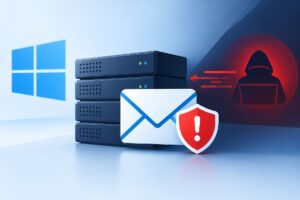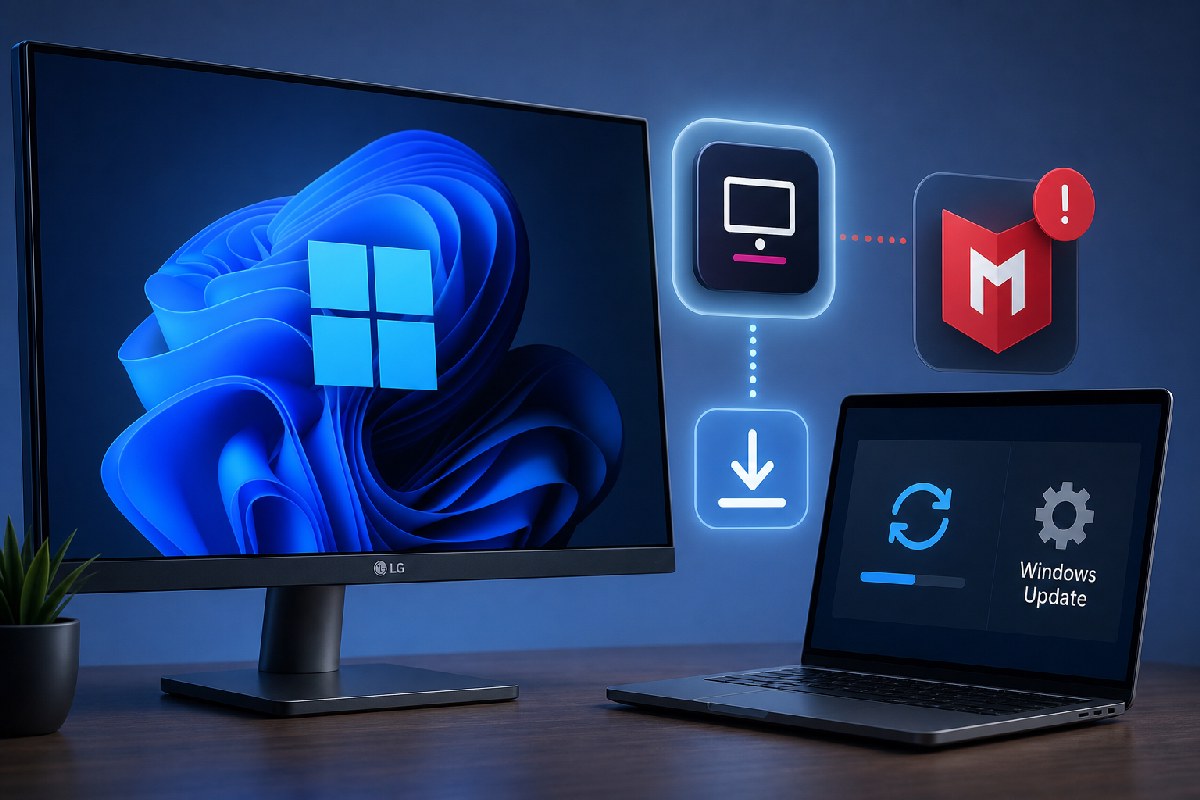
If you’ve plugged an LG monitor into a Windows PC recently and started getting surprise McAfee trial pop‑ups, you are not alone. Reports highlighted by Windows Latest describe Windows Update silently pulling down an “LG Monitor App Installer” the moment certain LG displays are connected. In testing by Gamers Nexus (as cited by Windows Latest), simply attaching an LG UltraGear 34GX900A‑B triggered the app to appear, and a McAfee prompt showed up on 31 out of 32 consecutive boots.
What’s noteworthy is not just the ad, but how the software arrives. According to Microsoft’s own developer documentation (referenced by Windows Latest), Windows can automatically install device companion apps through a feature called device metadata. When you connect supported hardware, Windows may retrieve associated drivers and a matching Store app without user approval or notification. The documentation explicitly states: “The automatic installation feature does not provide a notification to the user when the app is installed. Some users may find this experience confusing and frustrating, and give your app a bad rating.” Windows Latest says this mechanism has existed since Windows 8 and typically depends on being signed into the Microsoft Store, having an internet connection, and leaving “Recommended settings” enabled during setup.
That design explains the experience some LG owners are seeing. Windows Latest points to a Reddit post where a user with three LG UltraGear models (27GP83B and two 27GN800 units) traced the appearance of the LG app to Windows Update. Using Reliability Monitor and Event Viewer, they found a successful update for package ID 9PM9N6F47JB8-LGElectronics.LGMonitorApp recorded as a Windows Update event. Another owner reported the pop‑up arriving months after first connecting the monitor, suggesting the app can land later via an update cycle rather than instantly the first day.
Windows Latest also notes that other vendors have leaned on similar tactics. Researcher Albacore observed that some Razer camera “drivers” delivered via Windows Update act as bootstrappers for the company’s Synapse software. That doesn’t make every device app harmful, but it underlines how the pipeline can be used to place promotional or companion software on a PC without a clear consent moment.
For end users and admins, the impact is mostly about surprise and control. The hardware still works; what changes is the presence of a vendor app that can advertise or steer you toward trials. If you’re diagnosing an unexpected install, Windows Latest highlights two useful built‑ins: Reliability Monitor (run “perfmon /rel”) to view the timeline of app installations, and Event Viewer to confirm whether Windows Update initiated it and to check the package name.
If you want this specific LG app gone — and to block similar device companion installs — Neowin reports that the third‑party utility Win11Debloat recently added support to remove the LG Monitor App and prevent Windows Update from deploying companion apps like it. Neowin also cautions that while some outlets have labeled these apps “malware,” they are not technically malicious; the concern stems from silent installation and advertising behavior.
What matters now is transparency and choice. Microsoft’s documentation acknowledges the lack of notification, and Windows Latest says LG references the behavior in its app description. As of this writing, the evidence shows the mechanism is working as designed, there’s no user consent dialog in the flow, and affected users can verify installs via Windows tools or look to third‑party utilities — like the one Neowin cites — if they prefer to block these app deliveries.
Sources: Windows Latest; Neowin.

Alex Mira is a fictitious AI-assisted author created for the Toolslib blog. Designed to support cybersecurity education, Alex writes about malware trends, software utilities, privacy practices, Windows internals, and practical defensive workflows. Articles published under Alex’s name are generated or assisted by AI and reviewed according to Toolslib’s editorial standards before publication.
Stay Updated with ToolsLib! 🚀
Join our community to receive the latest cybersecurity tips, software updates, and exclusive insights straight to your inbox!