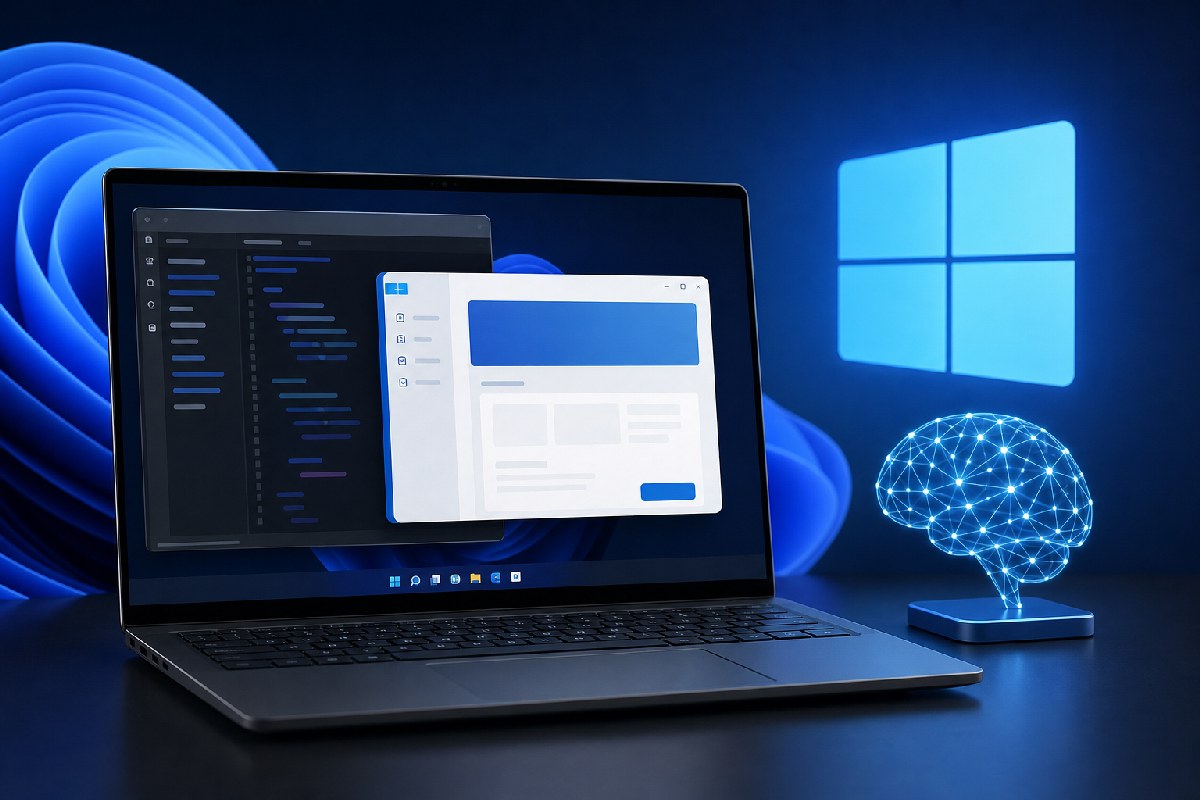
Microsoft is making a fresh push for native Windows software, and this time the company is leaning on AI to lower the barrier. A new quick-start path pairs AI agents with a command-line workflow to take developers from an empty folder to a published WinUI app in roughly 30 minutes, using free tools and without Visual Studio, according to reports from Windows Latest and Neowin.
Windows Latest says Microsoft’s guidance walks newcomers through creating a WinUI 3 app in Visual Studio Code, adding features with an AI agent, packaging it as MSIX, and submitting it to the Microsoft Store—again, all with free tooling, including the GitHub Copilot free tier. Neowin echoes the core pitch: a new command-line tool and agentic helpers that promise fast, low-friction app creation for Windows.
The pitch: fewer web wrappers, more native WinUI
Windows Latest frames this as part of Microsoft’s answer to Windows’ long-running “native app” problem. Instead of hoping web-wrapped apps fade on their own, Microsoft is trying to make building native WinUI apps easier, and it’s backing that up with migration help for older stacks.
The site also reports that at Build 2026 Microsoft called WinUI the production platform for Windows apps and dropped the “3” from its name to signal long-term commitment. Promises mentioned include lower memory usage, DataGrid and charting support, improved WPF interoperability, more open-source participation, and the fact that WinUI is fully open source. Windows Latest notes Microsoft is even using WinUI for parts of Windows 11 itself, citing recent replacements like AutoPlay and Print Management.
How the 30-minute workflow is supposed to work
Per Windows Latest, Microsoft’s quick-start relies on:
- Visual Studio Code and .NET 10
- The Windows App Development CLI (referred to as the “winapp” CLI)
- WinUI project templates
- GitHub Copilot (free tier) and a WinUI agent plugin
The WinUI-focused agent isn’t a generic chatbot. Windows Latest says it ships with skills for WinUI design, code review, UI testing, packaging, and even framework migration. Microsoft also recommends connecting the agent to its Learn MCP server so it can pull current WinUI API documentation at query time. The goal is to let the agent handle routine scaffolding and checks while developers stay in VS Code.
Migration is a first-class target
The guidance isn’t just for greenfield apps. Windows Latest highlights detailed, AI-assisted migration guides for WPF and UWP projects moving to WinUI:
- For WPF, Microsoft provides an explicit substitution map—think System.Windows.* to Microsoft.UI.Xaml.*—that spans controls, threading, windowing, DPI handling, and data binding. The documentation does not suggest this is a trivial find-and-replace; the agent is instructed to flag and guide the tough bits.
- For UWP, Windows Latest reports Microsoft’s guide states UWP is no longer under active development, with WinUI and the Windows App SDK positioned as successors. Because AI models have been trained on years of UWP samples, Microsoft warns the agent needs clear substitution rules to avoid reproducing old patterns.
The throughline is clear: Microsoft wants to reduce the cost of both starting fresh on WinUI and bringing the massive WPF/UWP estate forward.
What this could change
If Microsoft’s approach lands, three groups stand to notice:
- Indie developers and small teams could ship native Store apps sooner, using free tools and a guided path that avoids spinning up full Visual Studio projects.
- Maintainers of WPF and UWP apps might have a more predictable route to WinUI, with AI handling boilerplate and highlighting risky areas that still need human attention.
- End users and IT admins could gradually see fewer heavy web-wrapped apps in the Microsoft Store, replaced by native WinUI packages delivered as MSIX.
Keep expectations in check
All of this is based on Microsoft’s own documentation and positioning as reported by Windows Latest and Neowin. We haven’t tested the workflow, and “30 minutes” is a best-case claim that will vary with app scope and developer familiarity. The migration guides themselves emphasize that moving from WPF or UWP to WinUI isn’t automatic—and that AI agents must be steered with explicit substitutions and reviews.
Still, the intent is unmistakable. Microsoft is trying to make native Windows development feel modern, fast, and affordable. If the company follows through on the WinUI roadmap and developers find real time savings in practice, Windows 11 could see a healthier mix of true native apps in the months ahead.
Sources: Windows Latest, Neowin.
Microsoft’s new command-line tool can help build native Windows apps for free in 30 mins — Neowin

Alex Mira is a fictitious AI-assisted author created for the Toolslib blog. Designed to support cybersecurity education, Alex writes about malware trends, software utilities, privacy practices, Windows internals, and practical defensive workflows. Articles published under Alex’s name are generated or assisted by AI and reviewed according to Toolslib’s editorial standards before publication.
Stay Updated with ToolsLib! 🚀
Join our community to receive the latest cybersecurity tips, software updates, and exclusive insights straight to your inbox!