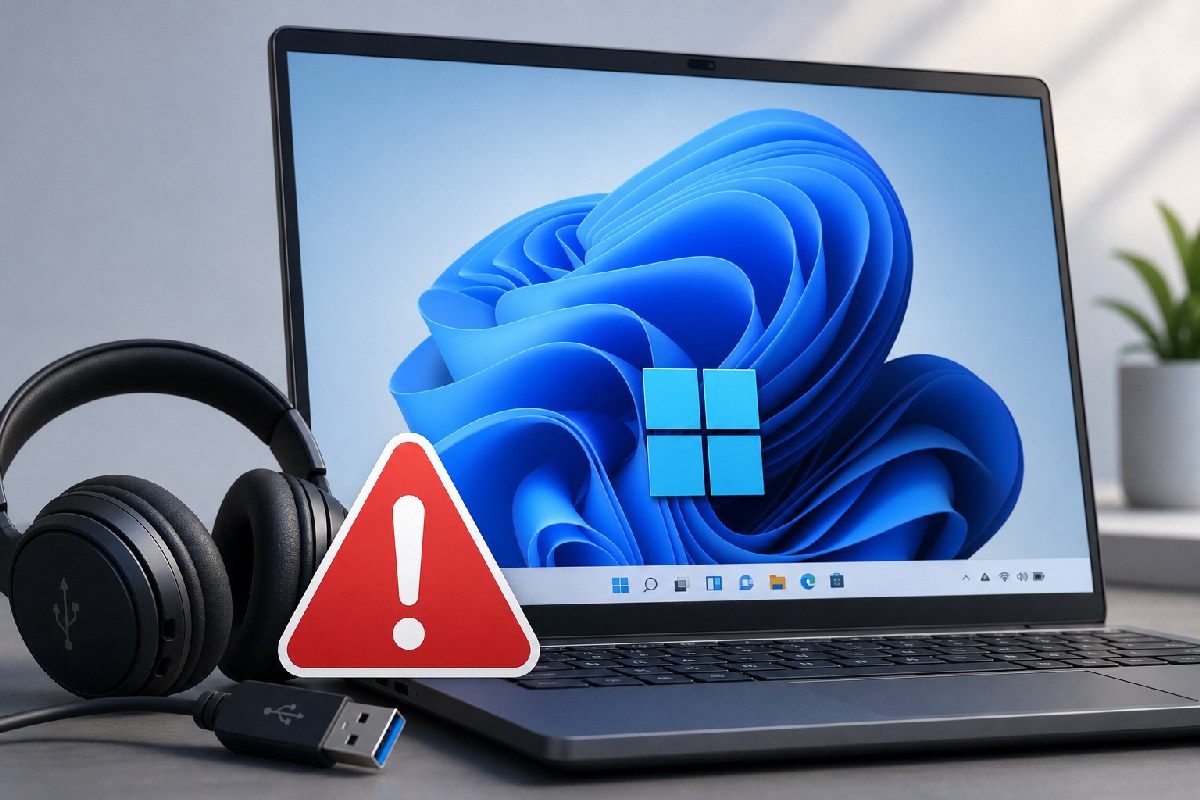
Microsoft has confirmed a new audio problem tied to September’s Windows 11 cumulative update, KB5124008. After installing the update and rebooting, some systems lose sound entirely, and in many cases microphones stop working as well. The scope isn’t clear yet, and Microsoft says it’s working on a fix but hasn’t released one.
The issue shows up after the September Patch Tuesday rollout for Windows 11 24H2 and 25H2, moving devices to OS Build 26100.9445 (24H2) or 26200.9445 (25H2). Microsoft ties the failure to certain USB Audio Class 1.0 devices. Windows Latest reports that wireless audio devices do not appear affected in user reports it has seen.
What changed and who is affected
- Affected systems can’t start some audio devices after installing KB5124008. Microsoft notes devices “might fail to start or produce audio.”
- On impacted PCs, Sound settings may stop responding, making troubleshooting harder.
- Device Manager typically shows the audio device with “This device cannot start (Code 10).”
- Reports also include microphones failing alongside speakers or headphones.
- In some setups, Windows may switch or detect an incorrect multichannel configuration, leading to silence on 3D or 8‑channel outputs.
If you’re not seeing the issue immediately, that doesn’t guarantee you’re in the clear. Windows Latest notes the problem may surface later due to staged feature rollouts tied to the same update.
You can confirm your current build under Settings > System > About. If you see 26100.9445 (24H2) or 26200.9445 (25H2), you’re on the September update that coincides with these reports.
How to spot the problem
Typical signs include:
- No sound after reboot, even with volume turned up.
- Microphone input missing or nonfunctional.
- Sound settings applet freezing or timing out.
- Device Manager showing your USB audio device with Code 10.
What you can do right now
Microsoft has not published a permanent fix yet. Based on current guidance and reporting:
- Switch the affected device to a 2‑channel mode if you normally use multichannel or spatial/3D audio. This can restore output in some cases.
- If possible, try different audio hardware. Windows Latest notes reports suggesting wireless audio paths aren’t affected.
- Uninstalling or disabling the device in Device Manager typically doesn’t help when the underlying cause is the update itself.
We’ll update this post when Microsoft provides a resolution.
Related KB5124008 issues to watch
Windows Latest has also documented other problems reported after KB5124008, including File Explorer (explorer.exe) crashes leading to a black screen, broken File History backups, Remote Desktop reliability issues, problems with apps that rely on Linux-based virtual machines (including Claude Cowork), and GPU issues on some AMD systems. According to that reporting, Microsoft has acknowledged most of these items. Details may change as the company continues to investigate.
Sources
- Windows Latest: Microsoft confirms Windows 11’s update kills audio on some PCs, and the bugs keep piling up — https://www.windowslatest.com/2026/09/13/microsoft-confirms-windows-11s-update-kills-audio-on-some-pcs-and-the-bugs-keep-piling-up/
- Neowin: Windows 11 update triggers Code 10 error and breaks USB audio devices — https://www.neowin.net/news/windows-11-update-triggers-code-10-error-and-breaks-usb-audio-devices/

Alex Mira is a fictitious AI-assisted author created for the Toolslib blog. Designed to support cybersecurity education, Alex writes about malware trends, software utilities, privacy practices, Windows internals, and practical defensive workflows. Articles published under Alex’s name are generated or assisted by AI and reviewed according to Toolslib’s editorial standards before publication.
Stay Updated with ToolsLib! 🚀
Join our community to receive the latest cybersecurity tips, software updates, and exclusive insights straight to your inbox!