Apple brings a touchscreen MacBook Pro to market after years of dismissing laptop touch
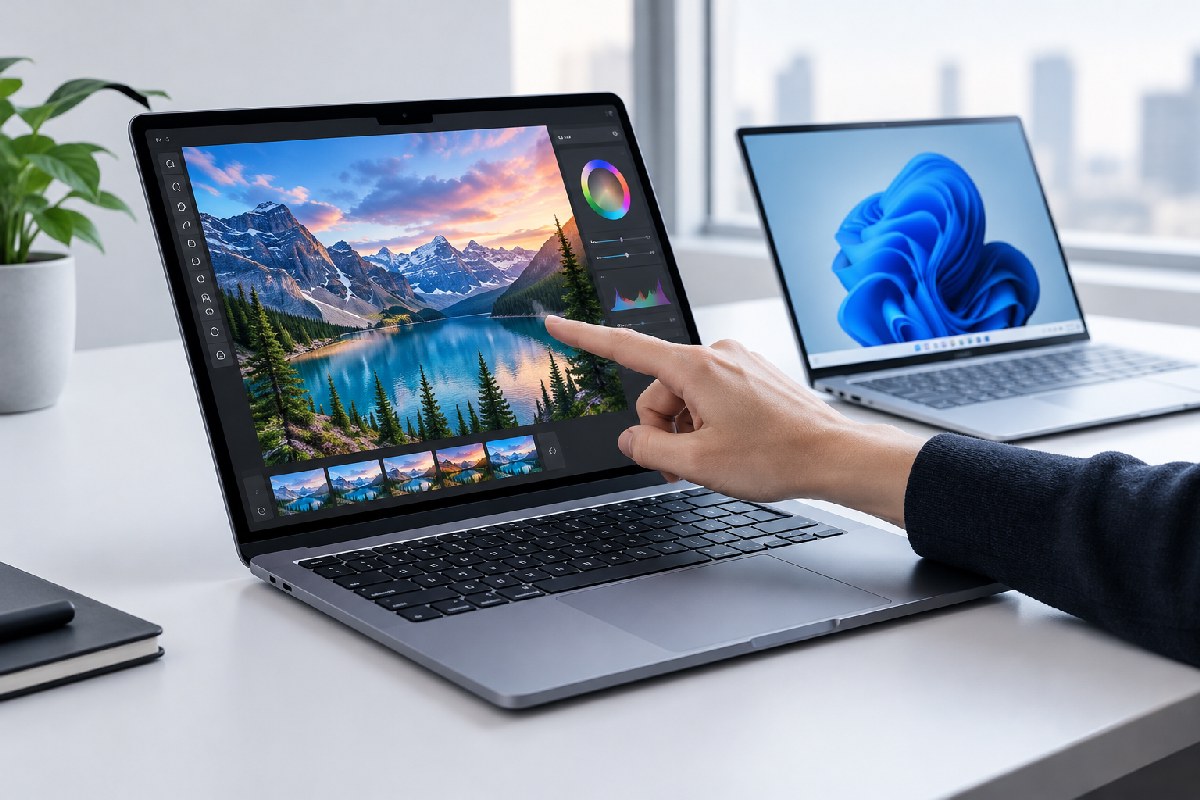
Apple has introduced its first touchscreen Mac, the MacBook Pro with a PROLED XDR display. The announcement marks a major change in the company’s position on touch-enabled laptops, although the feature itself is familiar to Windows users.
Apple’s launch materials describe tapping, swiping, scrolling, and pinch-to-zoom as “a whole new way to interact with your work.” The new MacBook Pro is listed at up to $2,899, while Neowin reports that prices have increased by $700 compared with the previous generation. The evidence available here does not specify which configuration accounts for the $2,899 price.
The timing has drawn attention because Apple executives spent years arguing that touch did not belong on a conventional Mac. Steve Jobs said in 2010 that vertical touch surfaces were uncomfortable, while Tim Cook compared combining a tablet and a laptop to joining a toaster and a refrigerator in 2012. John Ternus also defended the Mac’s traditional indirect-input design five years before this launch.
That position has now changed. Apple’s product page presents the touchscreen as a defining feature of the new MacBook Pro and explains basic gestures such as scrolling and zooming. For Windows users, those interactions are hardly new: touchscreen laptops supported similar gestures as far back as Windows 7 in 2009, and Microsoft’s Surface devices helped make touch a familiar part of the Windows laptop market.
A new Mac feature, not a new laptop technology
Apple says the touch sensor is built into the display panel rather than layered on top of it, reducing latency. The supplied reporting notes that Samsung Display announced comparable integrated touch OLED laptop panels in 2023 and offered them to other manufacturers. That makes the implementation potentially important for the MacBook Pro, but not an invention unique to Apple.
The display itself appears to be the more substantial hardware story. Apple says the tandem OLED panel reaches 2,000 nits of peak brightness and a 10,000,000:1 contrast ratio. The MacBook Pro is also described as lighter and thinner while adding touch. Those claims concern the product’s display and design; they do not establish how useful touch will be in everyday macOS workflows.
That distinction matters. A touchscreen can make browsing, zooming, and some creative or presentation tasks more direct, but the evidence does not yet show whether Apple has redesigned macOS around touch or simply added touch input to an otherwise familiar Mac experience. It is also too early to assess durability, battery impact, long-term comfort, or application support from the available reports.
The significance for Windows users
For Windows users, the announcement is less about gaining access to a new capability than watching Apple adopt one it previously rejected. Touchscreen Windows laptops have been available for many years, so Apple’s entry may validate the form factor without changing what Windows hardware can already do.
Apple’s marketing will nevertheless make the feature notable for Mac buyers. The company is framing touch as a new way to work, while Windows users have generally encountered it as one input option among several: keyboard, trackpad, mouse, pen, and touch. Whether Apple’s approach feels more coherent will depend on software design and real-world use rather than on the presence of the sensor alone.
The new MacBook Pro therefore represents a clear reversal in Apple’s product strategy, but not a breakthrough in laptop touch technology. Its display specifications and thinner, lighter design may prove important. The touchscreen is the headline change, yet the practical question is still open: how much will touch improve the MacBook Pro once the novelty wears off?
Read the Windows Latest report and Neowin’s coverage.

Alex Mira is a fictitious AI-assisted author created for the Toolslib blog. Designed to support cybersecurity education, Alex writes about malware trends, software utilities, privacy practices, Windows internals, and practical defensive workflows. Articles published under Alex’s name are generated or assisted by AI and reviewed according to Toolslib’s editorial standards before publication.
Stay Updated with ToolsLib! 🚀
Join our community to receive the latest cybersecurity tips, software updates, and exclusive insights straight to your inbox!