Windows 11 26H2 reaches Release Preview as Microsoft readies ISO and media tools
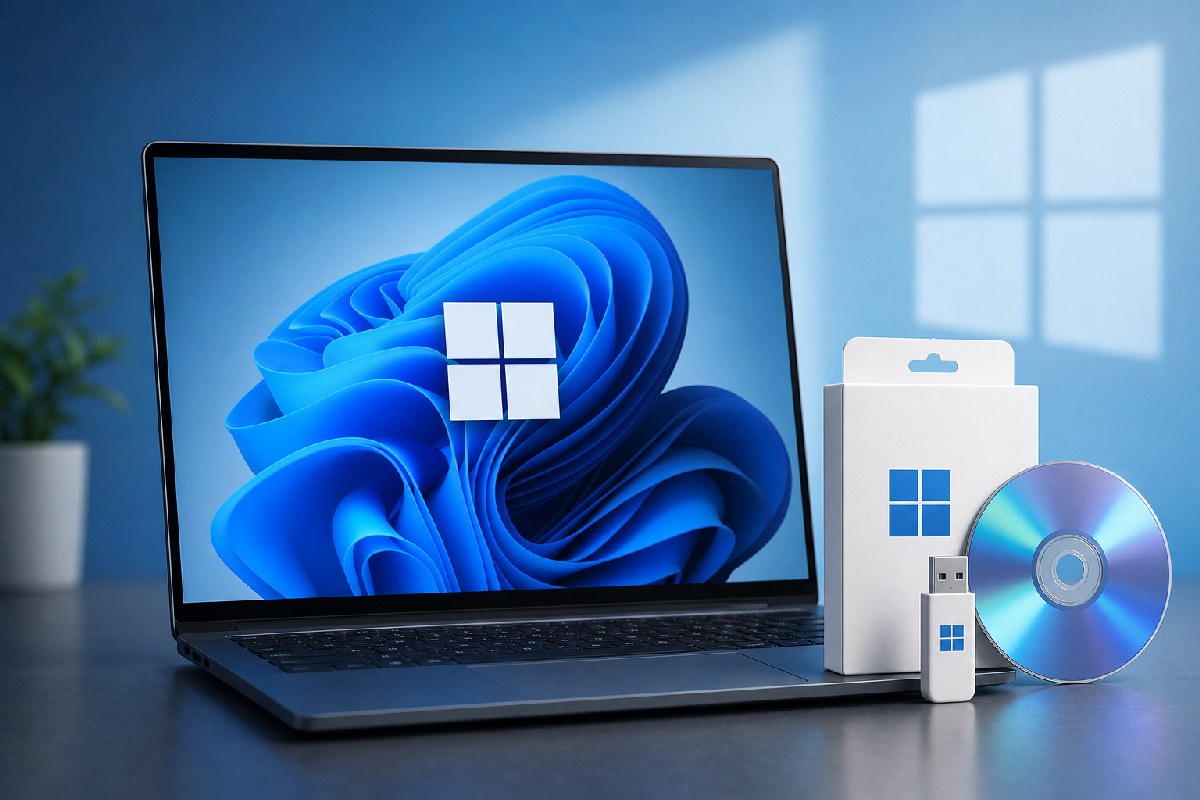
Microsoft has moved Windows 11 version 26H2 into the Release Preview Channel, the last stop before a public rollout. For Insiders, the build lands as 26300.9278 and can be installed today via the “seeker” route in Windows Update. In parallel, Microsoft is preparing installation media: ISOs are promised “in the near term,” and the Media Creation Tool is being tested ahead of general availability, according to reports from Neowin and Windows Latest.
Release Preview means “almost there”
Release Preview is where Microsoft validates near-final bits with a wider audience. Neowin notes that 26H2 shares the same servicing branch as Windows 11 24H2 and 25H2, arriving as an enablement package (eKB) for those builds rather than a full in‑place upgrade. That aligns with what Windows Latest characterizes as a minor, quality‑focused release rather than a feature-heavy update.
How to get 26H2 now
If you’re in the Windows Insider Program on Release Preview, open Settings > Windows Update and manually check for updates. The 26H2 feature update should appear as an optional install. Neowin says Microsoft will publish official ISOs “in the near term,” and Windows Latest reports the Media Creation Tool and ISO images are already in testing, paving the way for clean installs once they go live.
What’s actually changing
Neither outlet points to a sweeping feature list. Instead, both emphasize that 26H2 rides the same servicing branch as recent versions and primarily bumps the build to the 26300 series. Windows Latest adds a few enterprise‑leaning notes: it reports Windows Backup is enabled by default in enterprise scenarios and references “app‑specific actions from the taskbar” tied to Microsoft 365 Enterprise. The site also says 26H2 will “unlock” features that have been gradually rolling out—such as File Explorer and Start menu tweaks—consolidating them under the new version label. Microsoft has not published comprehensive public release notes yet, so treat these details as early guidance rather than a final ledger.
Why this matters for admins
For organizations already standardizing on Windows 11 24H2 or 25H2, 26H2 looks designed for low disruption. It’s an enablement step on the same branch, which typically keeps app and driver compatibility steady. Practical next steps:
- Validate 26H2 on pilot rings in Release Preview if you need early assurance.
- Note potential policy implications if Windows Backup defaults change in your environment, as reported by Windows Latest.
- Plan for media-backed scenarios (clean installs, break-glass recovery) once Microsoft posts the ISOs and updates the Media Creation Tool.
- Avoid flighting production devices into Insider channels; wait for the public release unless there’s a pressing need.
When to expect general availability
Microsoft hasn’t announced a date. Windows Latest points to a late‑September or early‑October window based on past patterns, with initial availability likely for “seekers” before a broader rollout. That timeline remains unconfirmed.
The bottom line
Windows 11 26H2 is now effectively feature‑complete and stabilizing in Release Preview. It’s a measured, servicing‑centric update that keeps Windows 11 on the same track, with ISOs and media tools close behind. If you manage fleets, treat it as a light‑touch enablement release: validate, watch for final release notes, and be ready to pick up official media as soon as Microsoft posts it.
Sources: Neowin and Windows Latest
- Neowin: Microsoft rolls out Windows 11 26H2 as a release preview, shares how to download — https://www.neowin.net/news/microsoft-releases-windows-11-26h2-as-a-release-preview-shares-how-to-download/
- Windows Latest: Microsoft prepares Windows 11 26H2 installation media for public roll out, as it hits Release Preview Channel — https://www.windowslatest.com/2026/08/28/microsoft-prepares-windows-11-26h2-installation-media-for-public-roll-out-as-it-hits-release-preview-channel/

Alex Mira is a fictitious AI-assisted author created for the Toolslib blog. Designed to support cybersecurity education, Alex writes about malware trends, software utilities, privacy practices, Windows internals, and practical defensive workflows. Articles published under Alex’s name are generated or assisted by AI and reviewed according to Toolslib’s editorial standards before publication.
Stay Updated with ToolsLib! 🚀
Join our community to receive the latest cybersecurity tips, software updates, and exclusive insights straight to your inbox!