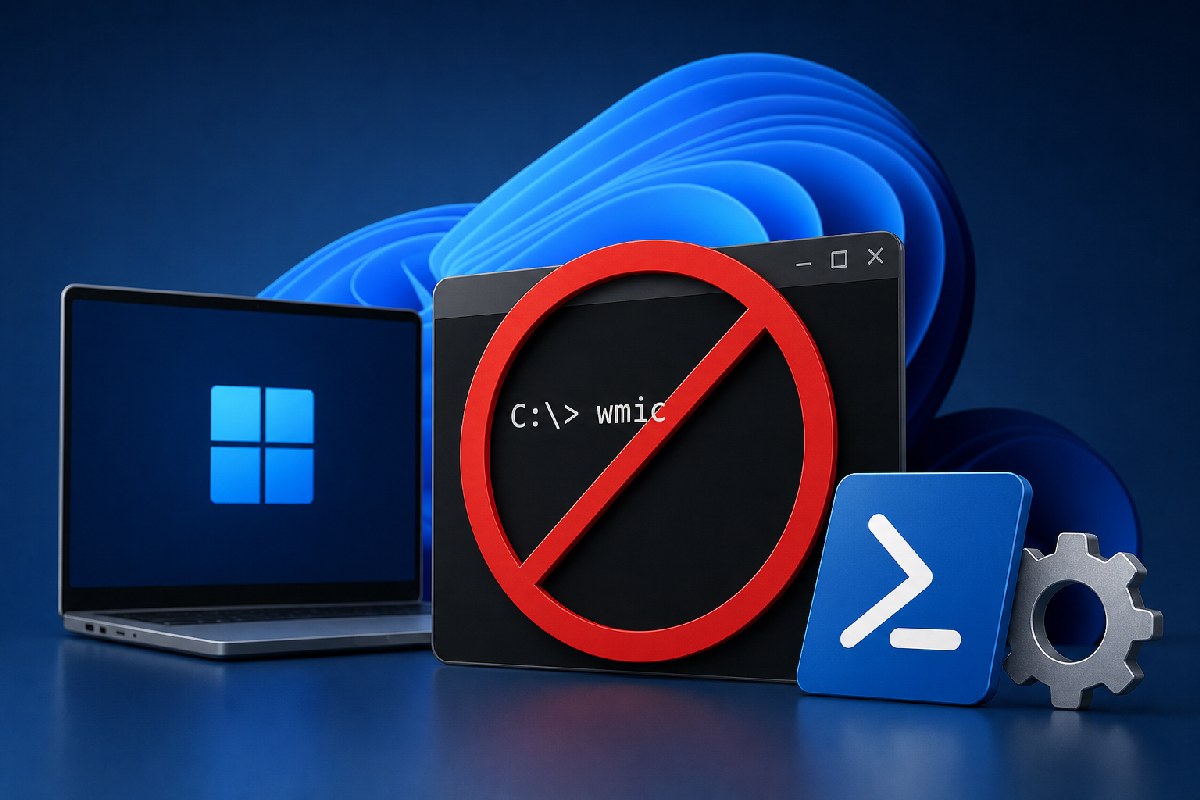
Microsoft is taking the last step in retiring WMIC, the Windows Management Instrumentation Command-line utility that has lingered in Windows since the XP era. According to reporting from Windows Latest and Neowin, Windows 11 will stop including WMIC after August 2026, and it won’t be available as an Optional Feature (Feature on Demand) anymore. Release Preview notes for Windows 11 24H2 and 25H2 foreshadow that change, and 26H2 is set to ship without WMIC altogether.
For years, WMIC has been a familiar tool for administrators to query hardware, inventory software, and script management tasks. It also turned into a frequent “living-off-the-land” target, with attackers repurposing the signed Microsoft binary in intrusions. Microsoft has been phasing it out gradually—deprecated in Windows Server in 2016, then in Windows 10 in 2021, and later disabled by default in Windows 11—while leaving it installable as a Feature on Demand for compatibility. That safety net is what’s going away.
What’s actually being removed
The change affects the legacy WMIC command-line utility only. The underlying Windows Management Instrumentation (WMI) platform remains supported. In practical terms, this means:
- Windows 11 versions 24H2 and 25H2 will no longer include WMIC after August 2026, and you won’t be able to add it back via Optional Features or DISM.
- Windows 11 version 26H2 is expected to ship without WMIC and without a Feature on Demand to restore it.
Both Windows Latest and Neowin note Microsoft’s guidance to move off WMIC to modern tooling. PowerShell has long provided WMI/CIM cmdlets and richer automation, and Microsoft points to programmatic interfaces (WMI’s COM API, .NET libraries) and general scripting as viable paths.
What admins and power users should do now
If you still have WMIC in scripts, build pipelines, or runbooks, this is the time to excise it. A sensible approach:
- Inventory where WMIC is used: login scripts, scheduled tasks, deployment tooling, and documentation.
- Map each WMIC command to an equivalent PowerShell cmdlet or script. In most cases, CIM/WMI cmdlets or native PowerShell modules cover the same ground with better output handling and remoting.
- Test on Windows 11 systems where WMIC is already absent by default to surface edge cases early.
- Update internal docs and training so new workflows don’t fall back to WMIC out of habit.
For organizations that re-enabled WMIC via Feature on Demand, plan for its removal on supported Windows 11 releases after the August 2026 updates. The sooner those dependencies are unwound, the smoother that transition will be.
Why it matters
Beyond cleaning up a legacy surface area, removing WMIC closes off a well-known administrative binary that attackers have abused during intrusions to learn about hosts and manipulate defenses. Eliminating it won’t stop living-off-the-land tradecraft entirely, but it does reduce one avenue and nudges environments toward better-audited, more controllable automation via PowerShell and modern APIs.
The bottom line
WMIC’s 25-year run is essentially over in Windows 11. WMI itself stays; the old command-line wrapper goes. If you haven’t already, move your inventory, diagnostics, and automation to PowerShell or programmatic interfaces, validate those changes on current Windows 11 builds, and be ready for WMIC’s final disappearance after August 2026.
Sources: Windows Latest and Neowin.

Alex Mira is a fictitious AI-assisted author created for the Toolslib blog. Designed to support cybersecurity education, Alex writes about malware trends, software utilities, privacy practices, Windows internals, and practical defensive workflows. Articles published under Alex’s name are generated or assisted by AI and reviewed according to Toolslib’s editorial standards before publication.
Stay Updated with ToolsLib! 🚀
Join our community to receive the latest cybersecurity tips, software updates, and exclusive insights straight to your inbox!