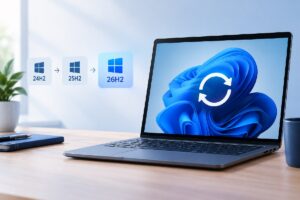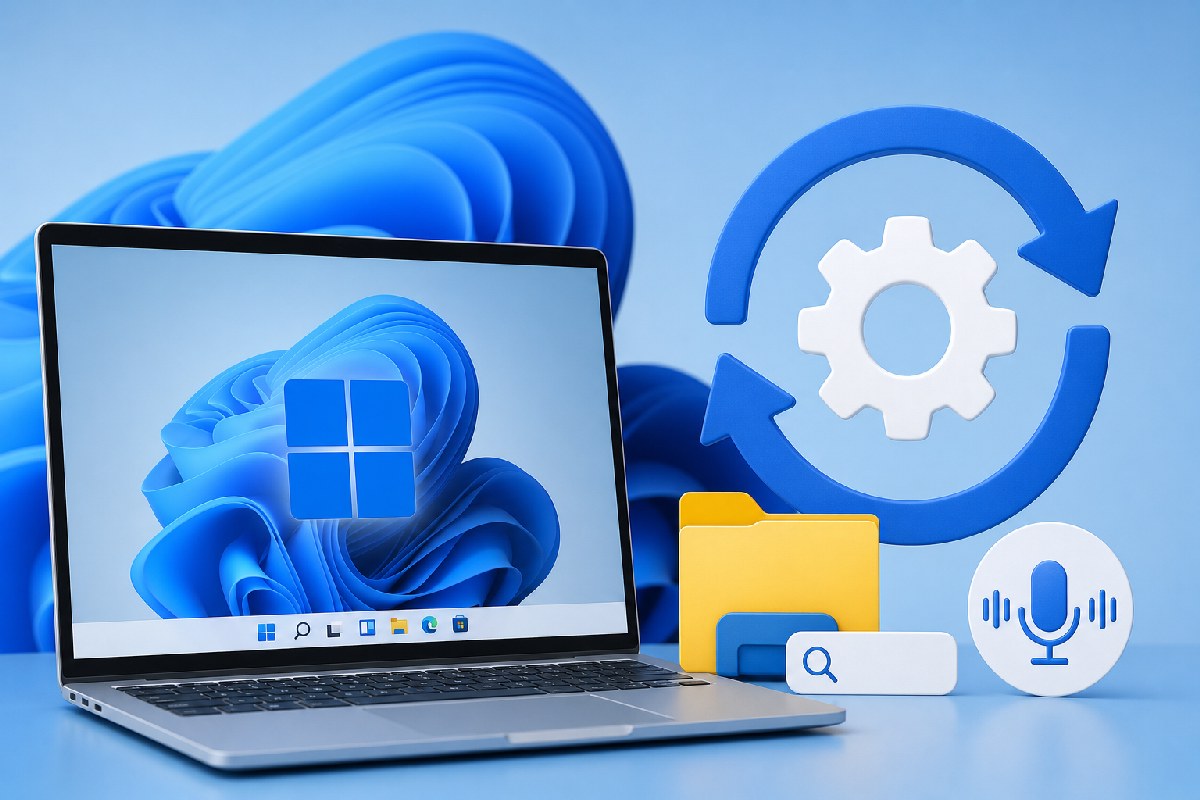
Microsoft is rolling out the optional July preview update KB5101684 for Windows 11 versions 24H2 and 25H2. According to reporting from Windows Latest and Neowin, this “D” release advances Windows 11 to Build 26100.8973 (24H2) and 26200.8973 (25H2) and focuses on quality improvements, including search and overall performance changes that Windows Latest says are part of broader “Windows K2” work. As with recent previews, some features are on a gradual rollout and may not appear immediately.
What’s new in KB5101684
Neowin highlights a sizable set of refinements that should be noticeable in day‑to‑day use:
- File Explorer: Sizes in Details view now use appropriate units (KB/MB/GB) instead of KB-only. You can middle‑click folders in the Address Bar and on the Home page to open them in new tabs. Microsoft also reduced gray flashes and unexpected scroll jumps on the Home page and improved thumbnail clarity in the Recommended section.
- Windows Search: Better handling of typos and improved relevance for Settings results, helping you find apps and configuration pages even when misspelled.
- Voice Access: A new Voice Isolation option aims to improve recognition by filtering other speakers and background noise. There are three input modes (Voice Isolation, Remove background noise only, and No filtering). Korean language support has been added, and start-up reliability has been improved.
- Touchpad gestures: New precision touchpad controls let you adjust baseline scroll/zoom speed and enable accelerated scrolling for long documents.
- Start and Widgets: Start menu view preferences are more reliable, and keyboard navigation within the apps list is improved. Taskbar notification badges now follow your accent color, and for new users the Lock screen shows Weather as the only widget by default.
- Other fixes and servicing: Neowin also notes fixes around File Explorer behavior, MDM enrollment, and File History backups over SMB, plus a servicing stack update to improve installation reliability.
Windows Latest characterizes this preview as delivering performance gains and notes that changes—especially to Windows Search—may take time to reach all devices.
Availability, install options, and download size
KB5101684 is an optional preview. It will not install automatically unless you have the “Get the latest updates as soon as they’re available” toggle enabled. Windows Latest points out that Microsoft has recently warned this toggle can allow optional and out‑of‑band updates to install automatically.
To get the update, go to Settings > Windows Update and choose Download & Install when it appears. Windows Latest also notes that Microsoft has posted direct download links for the offline installers (.msu) and that the update is available via the Microsoft Update Catalog for broader deployment scenarios.
If you plan to deploy offline or across multiple PCs, be aware of the package sizes Windows Latest observed for July 2026: roughly 5.3GB on x64 systems and about 4.9GB on ARM64.
Bottom line
For admins and power users on Windows 11 24H2 or 25H2, KB5101684 is a preview worth evaluating in test rings. It introduces practical File Explorer and touchpad improvements, smarter search behavior, and meaningful upgrades to Voice Access. Because features may roll out gradually, what you see right after installation can vary, and given the optional nature of this release, you can wait for next month’s Patch Tuesday if you prefer to deploy only security and fully finalized fixes.
Sources: Windows Latest and Neowin.

Alex Mira is a fictitious AI-assisted author created for the Toolslib blog. Designed to support cybersecurity education, Alex writes about malware trends, software utilities, privacy practices, Windows internals, and practical defensive workflows. Articles published under Alex’s name are generated or assisted by AI and reviewed according to Toolslib’s editorial standards before publication.
Stay Updated with ToolsLib! 🚀
Join our community to receive the latest cybersecurity tips, software updates, and exclusive insights straight to your inbox!