Microsoft gives New Outlook a Classic look—without changing what it is
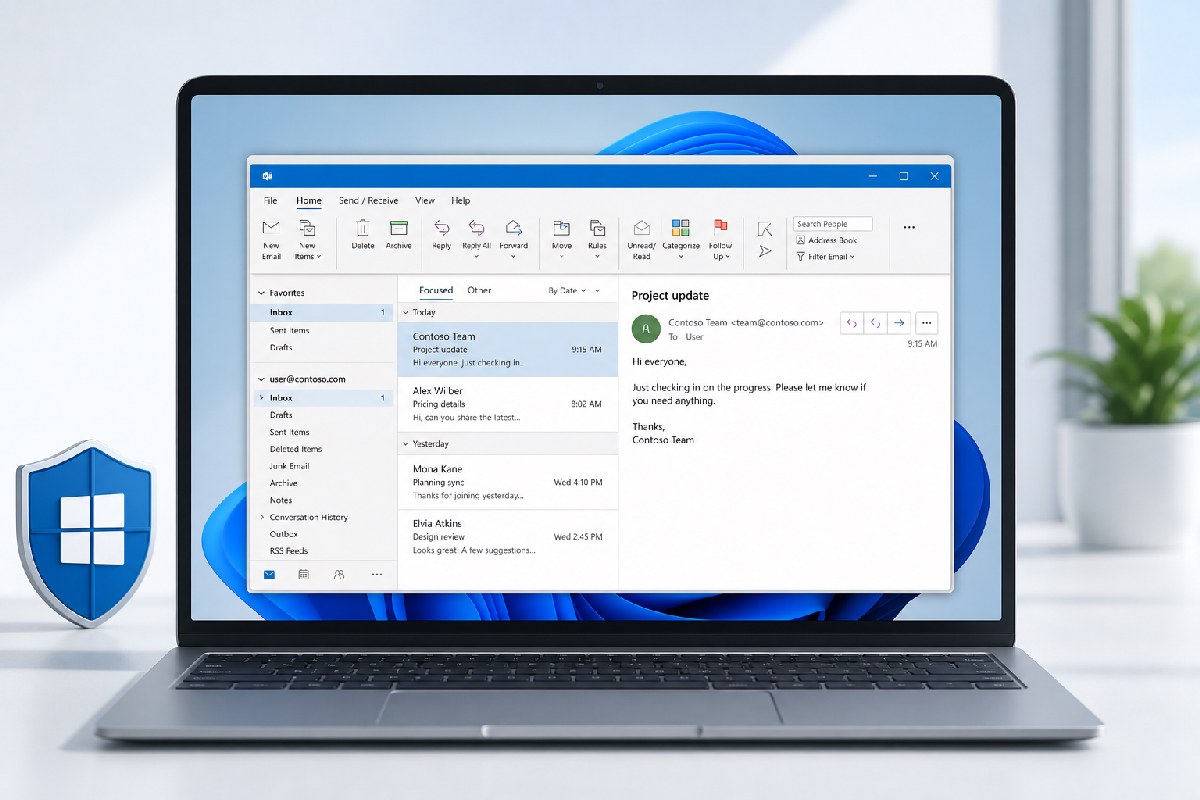
Microsoft is adding an optional “Outlook Classic” appearance to New Outlook for Windows and Outlook on the web. The theme is designed to make the modern client look and feel closer to the long‑running desktop app, but it doesn’t change how New Outlook works under the hood.
According to Microsoft’s messaging summarized by Neowin and Windows Latest, the new setting updates visual styling, layout, typography, icons, and some interactions to better match Classic Outlook. It’s a presentation layer change meant to ease familiarity—New Outlook remains a web‑based client (via WebView2), whereas Classic Outlook is a native Win32 application.
What’s changing—and what isn’t
- Where to find it: The toggle is labeled “Outlook Classic” under Settings > General > Appearance in New Outlook and Outlook on the web (per both reports).
- What it does: Adjusts visuals and selected interactions to resemble Classic Outlook.
- What it doesn’t do: It does not migrate you from Classic Outlook, alter mailbox data, or override any admin configurations that control New Outlook availability or migration (as noted by Neowin). It also does not recreate the full Classic Outlook behavior or performance characteristics.
Rollout and admin impact
Neowin reports Microsoft plans a Targeted Release starting this month, aiming to complete by the end of September 2026, with general availability from late September through late October 2026. The setting will be off by default for most users. As part of a phased transition, Microsoft may enable it by default for some users moving from Classic Outlook, but users can change the setting at any time. Windows Latest also notes the feature is still rolling out, so some users may not see the toggle yet.
For IT administrators, the key points are straightforward: this is an aesthetic option that leaves existing migration policies in place. It won’t force a switch to New Outlook, and it won’t bypass tenant controls.
Why this matters
New Outlook has been steadily gaining feature parity with Classic Outlook—Windows Latest points to recent additions like PST support and offline capabilities—and Microsoft is clearly working to smooth the path for those who prefer the look and conventions of the legacy client. The Classic theme nods to that muscle memory without reopening the question of building a new native Win32 app.
If your organization is testing New Outlook, consider enabling the theme for pilot users who are most attached to Classic Outlook’s layout. Just set expectations clearly: it’s a familiar coat of paint, not a return to the old client.
Sources: Neowin and Windows Latest.

Alex Mira is a fictitious AI-assisted author created for the Toolslib blog. Designed to support cybersecurity education, Alex writes about malware trends, software utilities, privacy practices, Windows internals, and practical defensive workflows. Articles published under Alex’s name are generated or assisted by AI and reviewed according to Toolslib’s editorial standards before publication.
Stay Updated with ToolsLib! 🚀
Join our community to receive the latest cybersecurity tips, software updates, and exclusive insights straight to your inbox!