Microsoft pulls back the floating Copilot button in Office, lets you put it back on the ribbon
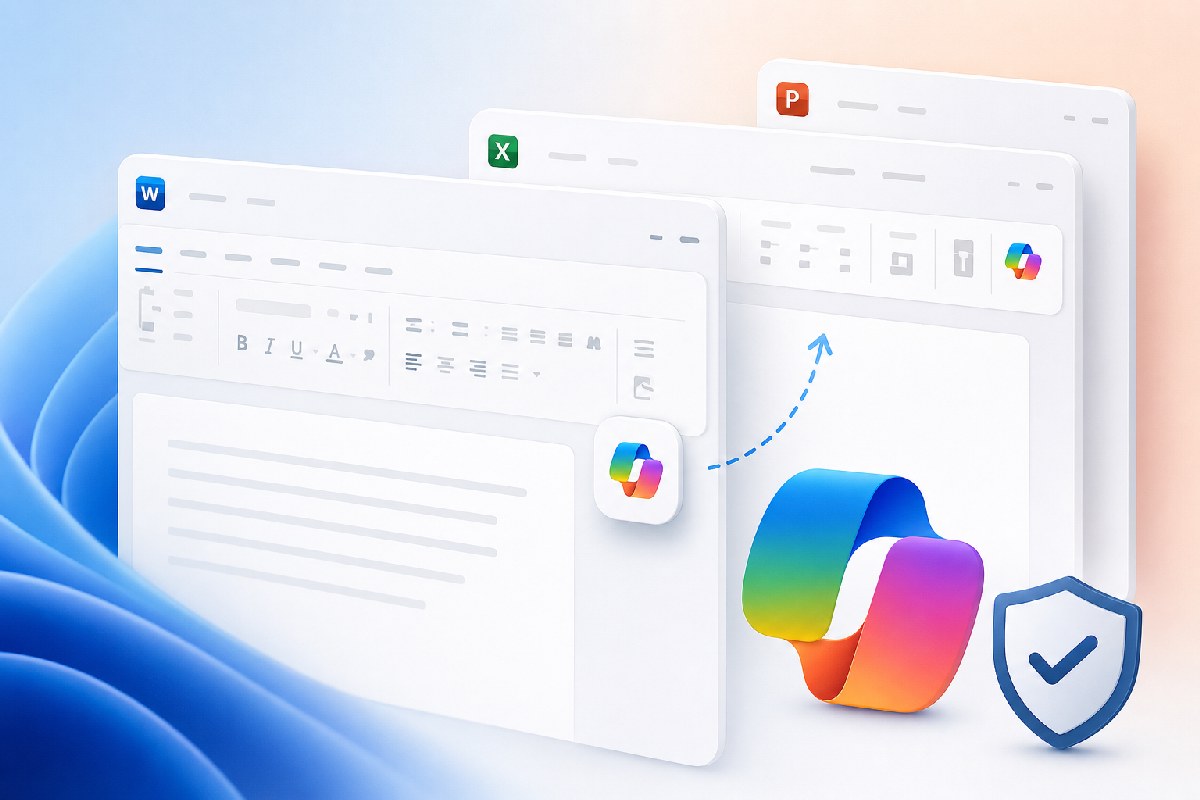
After weeks of complaints, Microsoft is changing how Copilot appears in Word, Excel, and PowerPoint. The company acknowledged the floating Copilot button was interfering with people’s work and is rolling out an option to return the Copilot entry point to the traditional ribbon, according to reports from Windows Latest and Neowin.
The floating button placed Copilot directly over document and worksheet content to keep it within easy reach. In practice, many users found the overlay intrusive. With the incoming change, you can bring Copilot back to the ribbon where it behaves like any other command—consistent, predictable, and out of the way until you need it.
The adjustment applies to Microsoft’s core Office apps—Word, Excel, and PowerPoint. Neowin notes the move follows widespread complaints, and Windows Latest reports Microsoft has explicitly recognized the impact on everyday workflows. If Copilot’s placement was a pain point in your team, this should make life easier without removing access to the feature itself.
As this change rolls out, expect the option to relocate Copilot back to the ribbon in these apps. Microsoft has not published additional details in the reports we’ve seen, and there’s no formal timeline information beyond that the update is in progress.
Bottom line: Microsoft is keeping Copilot visible in Office, but not at the expense of the canvas. Returning control over where the button lives is a small, practical fix that should reduce friction for people who spend their day inside documents, spreadsheets, and decks.

Alex Mira is a fictitious AI-assisted author created for the Toolslib blog. Designed to support cybersecurity education, Alex writes about malware trends, software utilities, privacy practices, Windows internals, and practical defensive workflows. Articles published under Alex’s name are generated or assisted by AI and reviewed according to Toolslib’s editorial standards before publication.
Stay Updated with ToolsLib! 🚀
Join our community to receive the latest cybersecurity tips, software updates, and exclusive insights straight to your inbox!