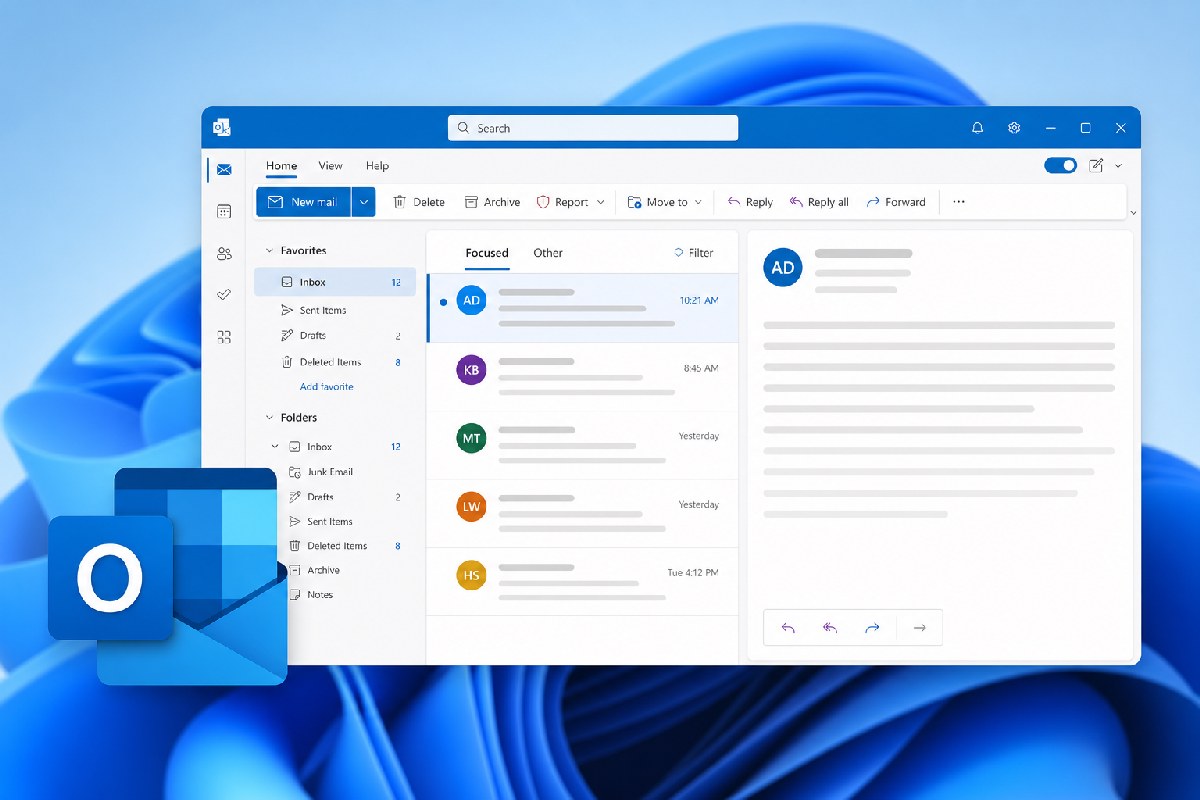
New Outlook picks up an “Outlook Classic” theme to smooth the switch
Microsoft is adding an optional “Outlook Classic” theme to the New Outlook for Windows and Outlook on the web. The goal is simple: make the modern client feel more familiar to people coming from Classic Outlook without changing what the new app can do.
According to Microsoft’s notices surfaced by reporting at Neowin, the setting lives under Settings > General > Appearance and, when enabled, updates “visual styling, layout, typography, icons, and selected interactions” to align more closely with Classic Outlook. It’s a cosmetic layer, not a different app.
What changes—and what doesn’t
This is strictly about look and feel. The New Outlook remains a web-based client (built on WebView2), whereas Classic Outlook is a native Win32 application. A theme can shift visuals and some interactions, but it can’t recreate Classic Outlook’s underlying architecture or behaviors. If you’re hoping for a like-for-like clone of Classic Outlook inside the modern client, temper expectations.
Microsoft says the toggle will be off by default for most people. As part of a phased rollout, it may be enabled by default for some users who are moving from Classic Outlook to New Outlook, and those users can turn it off at any time. The setting does not migrate anyone from Classic Outlook, and it won’t override any existing administrator controls for availability or migration. Mailbox data and admin-configured migration experiences aren’t touched by this change.
Rollout timing
Per Neowin’s summary of Microsoft’s Message Center advisory (MC1458476), Microsoft plans a Targeted Release beginning in August 2026 with completion by the end of September 2026. General availability is slated to start in late September 2026 and wrap up by late October 2026. Availability can vary by tenant and region, and Windows Latest notes the feature is still rolling out, so not everyone will see the toggle immediately.
Admin and user impact
- For users: If you’re already on New Outlook or Outlook on the web, check Settings > General > Appearance for the “Outlook Classic” option as it becomes available. It’s optional and reversible.
- For admins: This is a UI setting only. It won’t force migration to New Outlook or bypass your current policies. If you’re planning moves from Classic Outlook, the theme may help with familiarity during onboarding without altering your technical rollout plan.
Windows Latest also points out Microsoft is still filling gaps between the two experiences—recently including PST support and ongoing offline improvements—and has delayed any forced installation of New Outlook on enterprise PCs until early 2027. The “Classic” theme is another nudge toward the modern client, aimed at easing user resistance rather than changing the product’s foundations.
Bottom line
If hesitancy about New Outlook in your organization is mostly about aesthetics and muscle memory, the new “Outlook Classic” theme could remove some friction. Just don’t expect it to behave like Classic Outlook under the hood. Keep an eye on the rollout window and consider piloting the theme alongside your broader New Outlook adoption plans.
Sources:
- Neowin: Microsoft is making New Outlook more palatable with classic theme
- Windows Latest: Microsoft built a Classic Outlook “skin” for New Outlook to win over users who won’t switch

Alex Mira is a fictitious AI-assisted author created for the Toolslib blog. Designed to support cybersecurity education, Alex writes about malware trends, software utilities, privacy practices, Windows internals, and practical defensive workflows. Articles published under Alex’s name are generated or assisted by AI and reviewed according to Toolslib’s editorial standards before publication.
Stay Updated with ToolsLib! 🚀
Join our community to receive the latest cybersecurity tips, software updates, and exclusive insights straight to your inbox!