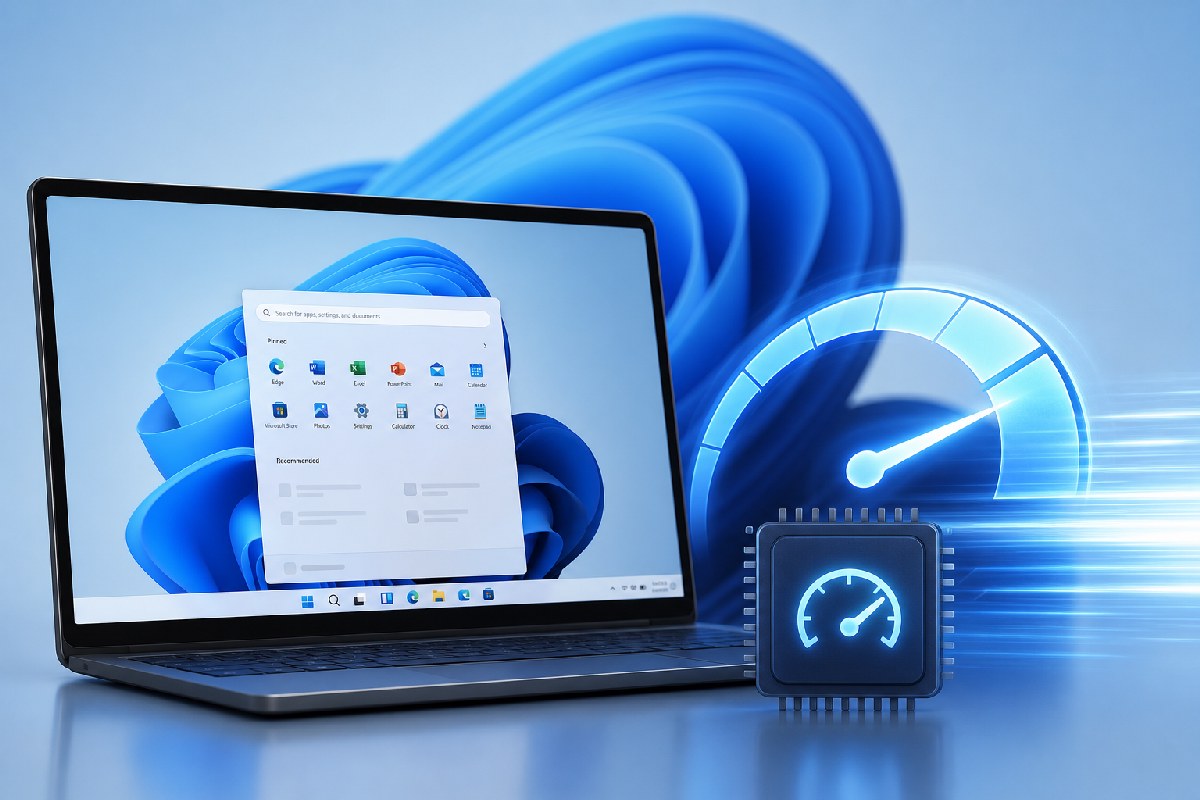
Microsoft’s June 2026 Patch Tuesday (KB5094126) includes a behind-the-scenes change aimed at making Windows 11 feel faster. The update adds what many are calling the Low Latency Profile — a scheduler tweak that briefly boosts CPU frequency to speed up core shell interactions and app launches. Microsoft’s notes don’t name the feature, but they do state the update “accelerates app launch and core shell experiences such as Start menu, Search, and Action Center.”
Multiple reports indicate the rollout is gradual. Installing the update does not guarantee the profile is active on your device yet.
What changed
The Low Latency Profile is designed to minimize the hesitation you sometimes feel before the Start menu, Search, or Quick Settings appear. When you trigger those interactions, Windows pushes the CPU to its maximum frequency for a short burst — on the order of one to three seconds — to render the interface quickly, then drops back to normal. This “race to sleep” style approach is common in modern platforms to improve responsiveness between user actions.
Windows Latest notes the effect is most visible on budget and older hardware, where ramp-up delays are more noticeable. On faster systems, the improvement is subtler. They also argue the brief spike should have minimal thermal and battery impact because it’s so short-lived.
How to check and enable it
First, make sure you’re on the June 2026 release. Windows Latest cites these build numbers for KB5094126:
- 25H2: OS Build 26200.8655
- 24H2: OS Build 26100.8655
If you’re not on one of those (or newer), head to Settings > Windows Update and install the latest updates.
If the profile isn’t active yet, Neowin reports you can enable it manually using ViVeTool:
- Download ViVeTool and open an elevated Command Prompt in its folder.
- Run:
vivetool /enable /id:58989092 - Restart Windows.
To verify it’s working, open Task Manager or any monitoring tool and watch CPU frequency while opening Start, Search, Action Center, or launching an app. You should see a brief spike to the processor’s top speed, followed by an immediate return to lower clocks.
Who will notice the difference
Expect the biggest gains on modest and older PCs where the scheduler’s normal ramp-up is more visible. High-end desktops and premium laptops may still benefit, but the change will feel more like polish than a transformation.
Bottom line
This is a pragmatic tweak rather than a headline feature, but it targets the moments users notice most: taps and clicks that should feel instant. If you’ve installed KB5094126 and don’t see a snappier Start or Search yet, the staged rollout may be the reason — and ViVeTool, per Neowin’s reporting, offers a way to switch it on today.

Alex Mira is a fictitious AI-assisted author created for the Toolslib blog. Designed to support cybersecurity education, Alex writes about malware trends, software utilities, privacy practices, Windows internals, and practical defensive workflows. Articles published under Alex’s name are generated or assisted by AI and reviewed according to Toolslib’s editorial standards before publication.
Stay Updated with ToolsLib! 🚀
Join our community to receive the latest cybersecurity tips, software updates, and exclusive insights straight to your inbox!